Data sources
Config-dependent. Record each connected provider, permitted purpose, field provenance, and observation time. Public profile context can be stale or incomplete.
LinkedIn prospecting, inside your agent
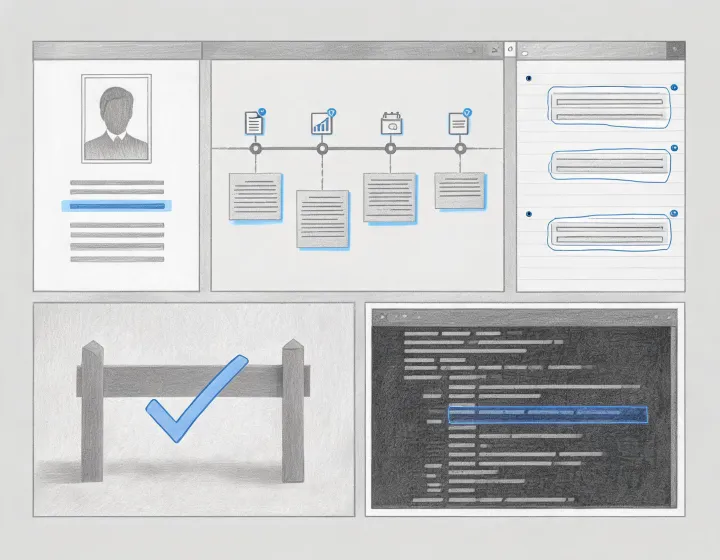
Dux-Soup helps an AI agent organize company context, professional-role clues, and public profile signals without pretending that activity equals intent. You decide what is relevant before any outreach begins.
Open the four-state runbookInspect a sample resultInstallation
Each state has a different success signal. A copied command is only clipboard content; a completed run is only a functioning package.
npx -y @okki-global/okki-go-taroballSuccess: the exact command is in your clipboard. Next: open a controlled terminal.
Inspect the package prompt, requested permissions, network behavior, and completion output. Stop if the runtime or requested scope is unclear.
Store API keys outside prompts and repositories. Grant minimum scope, name every connected source, and define where temporary output is retained.
Use a small cohort you already know. Check company identity, role relevance, observation dates, exclusions, provenance, and unresolved fields.
Auditable preview
Company: Northstar Systems [illustrative]
Role: Operations leader · relevance pending review
Unknown: current project timing
Data behavior
Config-dependent. Record each connected provider, permitted purpose, field provenance, and observation time. Public profile context can be stale or incomplete.
Operator-controlled. Keep secrets in the runtime secret store, grant minimum scope, rotate them after testing, and never include them in shared logs.
Inspect locally. Review permissions, browser or API activity, retries, rate limits, errors, and destinations before connecting production systems.
Config-dependent. Define who can access results, how corrections and suppression propagate, and when temporary records are removed.
FAQ
No. The copy button changes only the clipboard. Installation begins only when you deliberately run the command in your terminal and accept its prompts.
No. Hiring, role changes, posting activity, and company events are research clues. They need a dated source and a human interpretation.
Keep research, drafting, approval, and sending as separate gates. Verify relevance, suppression, opt-out handling, applicable regional rules, and sender-domain health first.
Measure false matches, unresolved identities, event freshness, evidence availability, review time, and correction effort on a known cohort—not an unsupported universal accuracy rate.